
Kvaka
Find your child by SMS
📵 Works with no internet
Just GPS and a plain SMS. Keeps working even when mobile internet is switched off or jammed — and abroad, in roaming, and on a weak signal. SMS almost always gets through.
📵 No internet
🛰️ Precise GPS
🚨 Panic button
checking version…
Install from RuStore
official store · automatic updates
Set it up on your child's phone
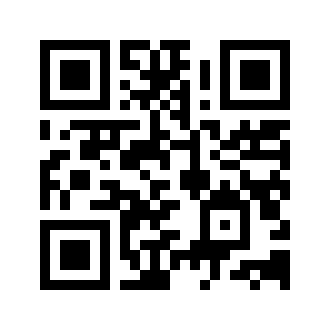
Point your child's phone camera at the code — this page opens, then tap “Download”.
How it works
- Kvaka is installed on the child's phone and a secret code is set.
- The parent texts the code word by SMS to the child's number.
- An SMS comes back with a map link (Google + Yandex). No internet needed.
- A separate alarm code triggers a loud full-screen alert on the child's phone with a “Call” button.
Setup (5 minutes)
- Tap “Download Kvaka” above.
- Open the downloaded file → allow installation from this source.
- Open the app and grant every permission (the “Access” screen shows what's missing).
- Write down the generated codes — they are unique to this phone.
🟢 Don't be scared by the warnings. Android will say “install from unknown
sources” and maybe “app scan” — that's normal for apps not from Google Play.
Kvaka is safe: just tap “Install anyway” / “Allow”.
⚠️ Important on realme / Xiaomi / OPPO
- Location → “Allow all the time”.
- Auto-start for the app → turn on. ← the most important one.
- Remove battery restrictions (the app has helper buttons).